Home Assistant
Works with conditions
Reviewed guide
A documented connection is available. Check its equipment, account, firmware and feature requirements.
Home Assistant via TP-Link (local Wi-Fi)Getting specifications, connection paths, and resources ready.

Model: EP40 · black
Kasa outdoor Wi-Fi plug with two separately controlled outlets and a shared electrical load limit.
Catalog-level details. Controllers, bridges, accounts, and available features depend on the connection route.
Kasa / TP-Link US (official product information). Confirm the exact variant before choosing. Store prices and availability can change; product-information pages are not store offers.
2.4 GHz Wi-Fi required
Read the limitationsWhat to know about this device before choosing a connection.
Recorded catalog fit tags; check the route requirements before treating this as a match.
US EP40: 125 V AC, 60 Hz; both outlets share 15 A / 1875 W total. The former claim of this rating for each outlet is corrected. The guide separately lists a 1/2 HP motor limit. IP64 is a manufacturer weather-resistance claim, not immersion protection. Use the complete outdoor installation and outlet-cover instructions. Home Assistant normal control uses local Wi-Fi through TP-Link Smart Home. Setup/authentication may require a TP-Link account and the third-party compatibility setting. Reviewed from documentation on October 15, 2026; no physical-device test, live stock check or independent safety-certification verdict. Service update reviewed October 18, 2026: TP-Link announced full termination of Tapo and Kasa IFTTT services on August 1, 2026. Historical IFTTT marketing is not a current compatibility claim; the reviewed Home Assistant connection is unchanged.
A catalog update is not a new verification. Regional and firmware scope are recorded separately for each route.
Check your ecosystem, then choose a connection method for its requirements and available controls.
A listed ecosystem is a starting point. Connection methods and exposed capabilities must be checked for the exact variant.
Reviewed guide
A documented connection is available. Check its equipment, account, firmware and feature requirements.
Home Assistant via TP-Link (local Wi-Fi)No verified evidence yet
Compatibility has not been established for this exact model. This does not mean it is incompatible.
Catalog listing only
Compatibility has not been established for this exact model. This does not mean it is incompatible.
Catalog listing only
Compatibility has not been established for this exact model. This does not mean it is incompatible.
No verified evidence yet
Compatibility has not been established for this exact model. This does not mean it is incompatible.
No verified evidence yet
Compatibility has not been established for this exact model. This does not mean it is incompatible.
No verified evidence yet
Compatibility has not been established for this exact model. This does not mean it is incompatible.
Missing documentation does not mean a device is incompatible. Reviewed documentation is not a physical hardware test.
Basic controls on the reviewed connection. Setup, remote access, voice services and firmware updates have separate requirements.
EP40 · US · Documentation reviewed. Check the unit’s hardware and firmware before setup.
Documented controls may have firmware or configuration conditions. Read the guide before relying on a feature.
Open setup guideInstallation & device requirements · Manuals & resources · All connection details
Choose a documented method. Requirements, controls, local/cloud behavior, and evidence stay attached to that route.
Follow the shared TP-Link integration guide, then check this exact route’s account, firmware and capability requirements.
TP-Link setup help for this modelHome Assistant · US · EP40
Documentation reviewed · 10/18/2026. Not tested on physical hardware.
Kasa EP40
Compare the documented support source and effort for each route. Official/community support and local/cloud operation are separate questions.
Home Assistant documents this model through its built-in TP-Link Smart Home integration.
Check status & evidenceComplete manufacturer installation, Wi-Fi provisioning, firmware/authentication checks and the Home Assistant integration. Wall devices also need the appropriate electrical installation.
Check status & evidenceChoose a connection method for its app, account and controller requirements. An app used by one method is not necessarily required for every connection.
Controllers for the reviewed connections are listed below. These requirements do not apply automatically to other setup methods.
Open connection instructions Find manuals and installation diagramsSetup and software downloads have separate requirements from everyday local control. A completely offline setup has not been established by these summaries.
Requirements apply to this setup method.
Provision Wi-Fi, then add the local integration. Fully offline initial setup is not established for every revision.
Check evidenceUse a working Home Assistant installation.
Check evidenceUse the built-in TP-Link Smart Home integration.
Check evidenceProvision the device using the official app or documented Kasa command-line method. Newer Kasa devices/firmware require TP-Link cloud email/password for local authentication; older versions may not. This guide does not promise account-free setup or operation for every revision.
Check evidenceThis route uses direct Wi-Fi communication. A separate Kasa, Zigbee or Thread bridge is not part of this path; the Home Assistant host remains required.
Check evidenceExpand a group to see all recorded attributes. Electrical maxima depend on load type; check operating and installation limits in the exact model documentation. Route-specific feature availability can differ. Missing fields are not a confirmed “No.”
Readings available to your smart-home system depend on the connection. Check readings by connection
Check the model, region, hardware revision, and document version. Connection-specific sources are linked in each guide.
Outdoor Smart Plug · EP40 · Archive started 2026-10-15. Individual additions may be newer. These files open from Dwelleno.
Original manufacturer pagePlug-in device: use a suitable outlet; no fixed-wiring installation is described.
US manufacturer-linked guide. Match the model and hardware revision before using installation instructions.
Original manufacturer files, including its safety instructions. Diagrams may show different AC and DC configurations; check the exact model and supply type.
Earlier observations checked 10/15/2026. Later observations state their own dates. Certification claims below are attributed to the manufacturer.
Checked October 15, 2026. US EP40: 125 V AC, 60 Hz; both outlets share 15 A / 1875 W total. The former claim of this rating for each outlet is corrected. The guide separately lists a 1/2 HP motor limit. IP64 is a manufacturer weather-resistance claim, not immersion protection. Use the complete outdoor installation and outlet-cover instructions.
Manufacturer sourceReviewed documentation, catalog records, and manufacturer observations have different scopes. A source for one capability does not establish every feature.
Connection guides preserve source dates, publishers, review status, and claim-level links. “Documentation reviewed” does not mean tested on physical hardware.
Documentation reviewed Oct 18, 2026 · EP40 · US
Other active devices in this category. Their connection requirements and capabilities may differ.
MSS620 · Outdoor Smart Plugs
Budget outdoor Matter plug with two independent outlets. Works with Apple Home, Alexa, and Google. Weather-resistant. Best cheap outdoor option if you need Apple Home.
Recorded scores: Overall 7.5/10 · Value 9/10
Explore connectionsHome Wi-Fi / LAN
Home Assistant
Complete the required items before setup. Items marked “Not required” are optional for this route.
Documented
Match EP40 and its hardware revision on the unit. This route uses TP-Link integration over Wi-Fi; Matter, HomeKit and vendor cloud linking are separate routes.
Documented
Complete installation using the exact manufacturer guide and load-specific ratings. Wall switches require appropriate wiring and qualified installation; plug-in devices must use a suitable outlet and load.
Derived from documentation
Connect the device to 2.4 GHz Wi-Fi. Home Assistant must reach its local address. Different subnets can prevent discovery; follow the official manual-address guidance.
Documented
Use a working Home Assistant installation.
Documented
Use the built-in TP-Link Smart Home integration.
Not required
This route uses direct Wi-Fi communication. A separate Kasa, Zigbee or Thread bridge is not part of this path; the Home Assistant host remains required.
Documented
Provision the device using the official app or documented Kasa command-line method. Newer Kasa devices/firmware require TP-Link cloud email/password for local authentication; older versions may not. This guide does not promise account-free setup or operation for every revision.
Documented
Some firmware requires Settings > Third-Party Compatibility in the Kasa app. Check this if authentication or local communication fails.
Documented
Follow the manufacturer setup guide and the official integration prerequisites to connect this exact device to Wi-Fi. Record its address and hardware/firmware version.
Documented
In Home Assistant choose Settings > Devices & services > Add Integration > TP-Link Smart Home, or accept discovery. Supply the device address and TP-Link credentials when required.
Derived from documentation
Check on/off and reported state. For dimmers, fans and multi-outlet devices, check each intended control separately before creating automations. Entity names and endpoint mapping are not hardware-tested by SwitchBase.
Derived from documentation
Home Assistant explicitly lists this exact Kasa model. Its TP-Link integration provides on/off control for supported switches/plugs; verify the controls exposed by your installed hardware and firmware.
Not yet verified
Light dimming remains unverified for this exact route.
Not yet verified
Power readings remains unverified for this exact route.
Not yet verified
Energy readings remains unverified for this exact route.
Not yet verified
Fan speed entities remains unverified for this exact route.
Not yet verified
Motion sensor entities remains unverified for this exact route.
Documented
Home Assistant connects locally to the device without routing normal commands through TP-Link cloud. Local authentication may still require TP-Link account credentials.
Documented
Provision Wi-Fi, then add the local integration. Fully offline initial setup is not established for every revision.
Documented
Configure Home Assistant remote access separately; its chosen method has additional network/service requirements.
Derived from documentation
Automations depend on the actual exposed entities and their other triggers/services.
Not yet verified
Firmware update path remains unverified for this exact route.
Not yet verified
Hardware and firmware limits remains unverified for this exact route.
Documented
Home Assistant documents this model through its built-in TP-Link Smart Home integration.
Derived from documentation
Complete manufacturer installation, Wi-Fi provisioning, firmware/authentication checks and the Home Assistant integration. Wall devices also need the appropriate electrical installation.
TP-Link / Kasa · manufacturer · Checked 2026-10-15
Exact US product documentation; does not establish current seller stock or independent certification.
Source location: Exact main model identity; Wi-Fi specification; product control description
Home Assistant · platform · Checked 2026-10-15
Platform-maintained instructions; feature exposure remains device and firmware dependent.
Source location: Supported Kasa devices; prerequisites; configuration; functionality; data updates; third-party compatibility
Home Assistant · platform · Checked 2026-10-15
Platform-maintained instructions; feature exposure remains device and firmware dependent.
Source location: Home Assistant remote access
Home Assistant · platform · Checked 2026-10-15
Platform-maintained instructions; feature exposure remains device and firmware dependent.
Source location: Home Assistant automation basics
Kasa (TP-Link)
EP40M · Outdoor Smart Plugs
Outdoor Wi-Fi plug with two independently controlled outlets, individual Kasa-app schedules, Away Mode and countdown timers.
PD-15OUT-BL · Outdoor Smart Plugs
Reviewed guides: Home Assistant →
Single-outlet outdoor on/off plug for suitable lighting, motors/pumps and transformer loads within their separate manufacturer ratings. Home Assistant control uses a supported Lutron Caseta hub; safe-load and visible-from-every-control-location restrictions still apply.
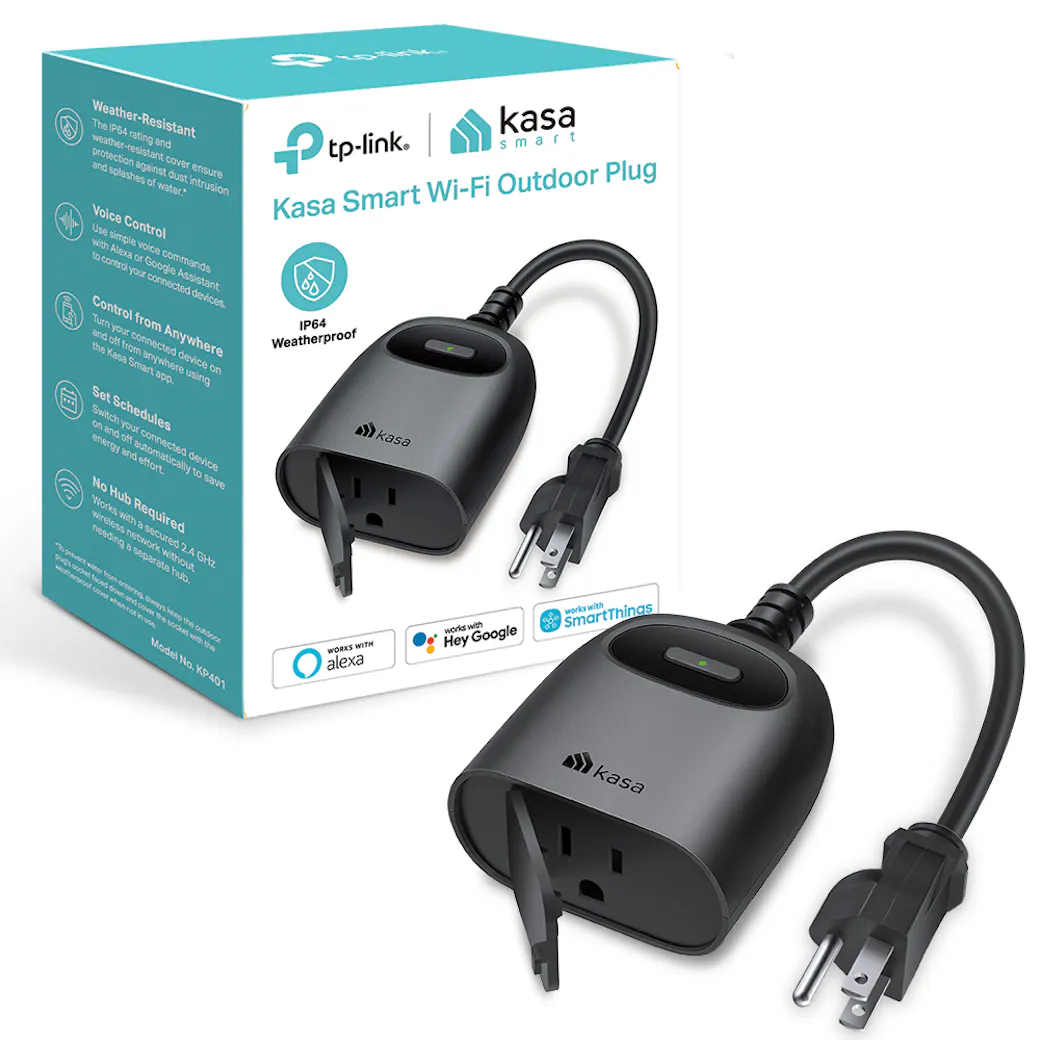
KP405 · Outdoor Smart Plugs
Reviewed guides: Home Assistant →
Outdoor plug-in lighting dimmer with Kasa-app scheduling, Away Mode and a countdown-off timer.
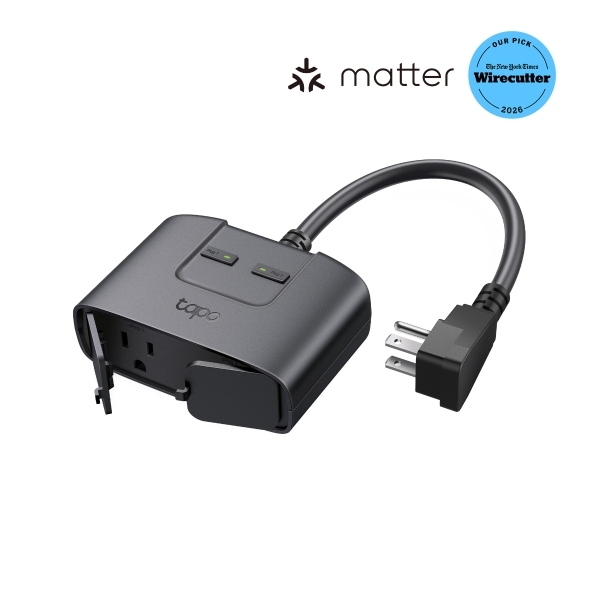
P400M · Outdoor Smart Plugs
Reviewed guides: Google Home, Home Assistant →
An outdoor Matter-over-Wi-Fi plug with two separately controlled outlets and an IP65 rating. It supports Tapo schedules and Away Mode. Matter setup needs a controller for the chosen ecosystem.
Tapo US (official store)